
@MelissaBearTrix HOW DO I LINK LINUX TO MY WIFI IT'S ON THE USB NOW BUT I CAN'T MAKE USE OF IT WITHOUT CONNECTING IT TO MY WIFI
@MelissaBearTrix HOW DO I LINK LINUX TO MY WIFI IT'S ON THE USB NOW BUT I CAN'T MAKE USE OF IT WITHOUT CONNECTING IT TO MY WIFI

You should have contacted me earlier ... Hugz
Do you only have one USB ?
What is the model of the computer?
Hugz & xXx
@MelissaBearTrix I don't know the model of the computer and I have another usb but that has everything I'll need when I'm getting set up again so if anything gets deleted from whatever you suggest it's off the table
Can you stick the wifi USB in with the other USB ports to feel up, if that works, you can stick the bus with Linux on it back into that USB port
Hugz & xXx
@MelissaBearTrix w h a
How many USB ports are on the computer ?
The USB thumb drives need to be plugged directly into the computer
If you have a USB hub with other devices connected, will the wifi USB stick work in the USB hub
Hugz & xXx
@MelissaBearTrix what do you mean by wifi usb
Let's start again
How do you connect to the internet? Did you say you have a USB dongle for internet
Hugz & xXx
@MelissaBearTrix with my wifi password? also:
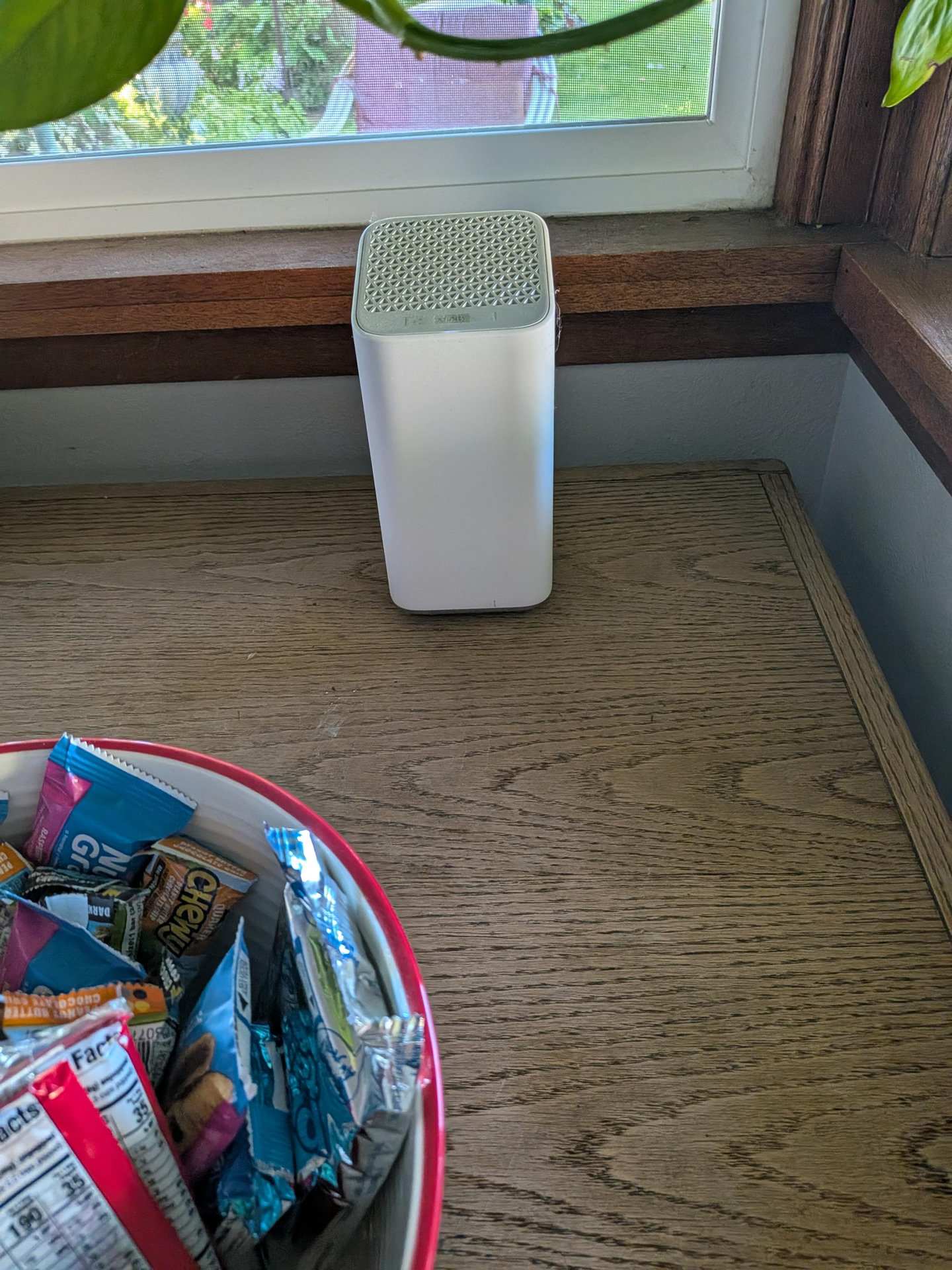
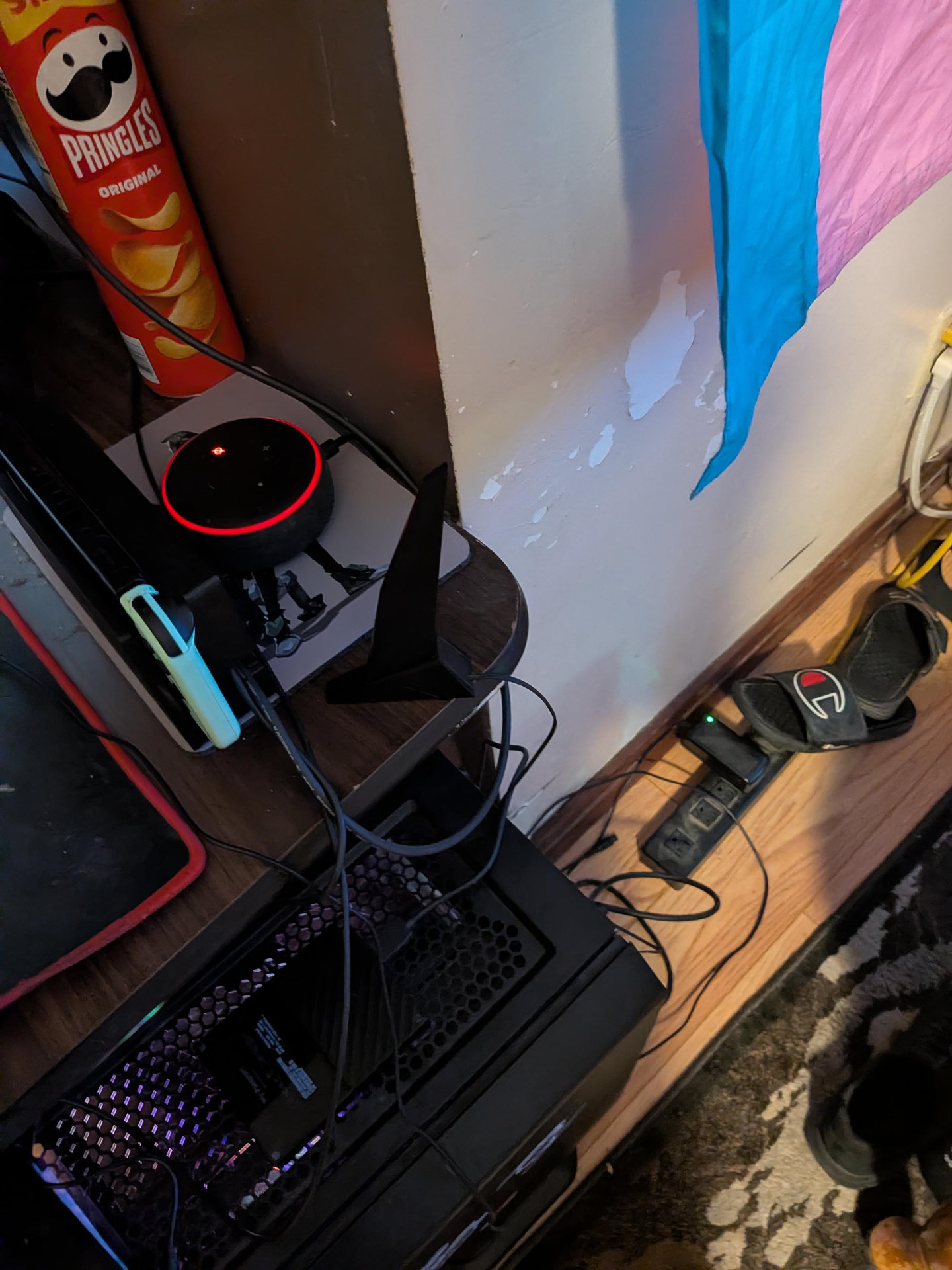
@MelissaBearTrix yes
@MelissaBearTrix what now
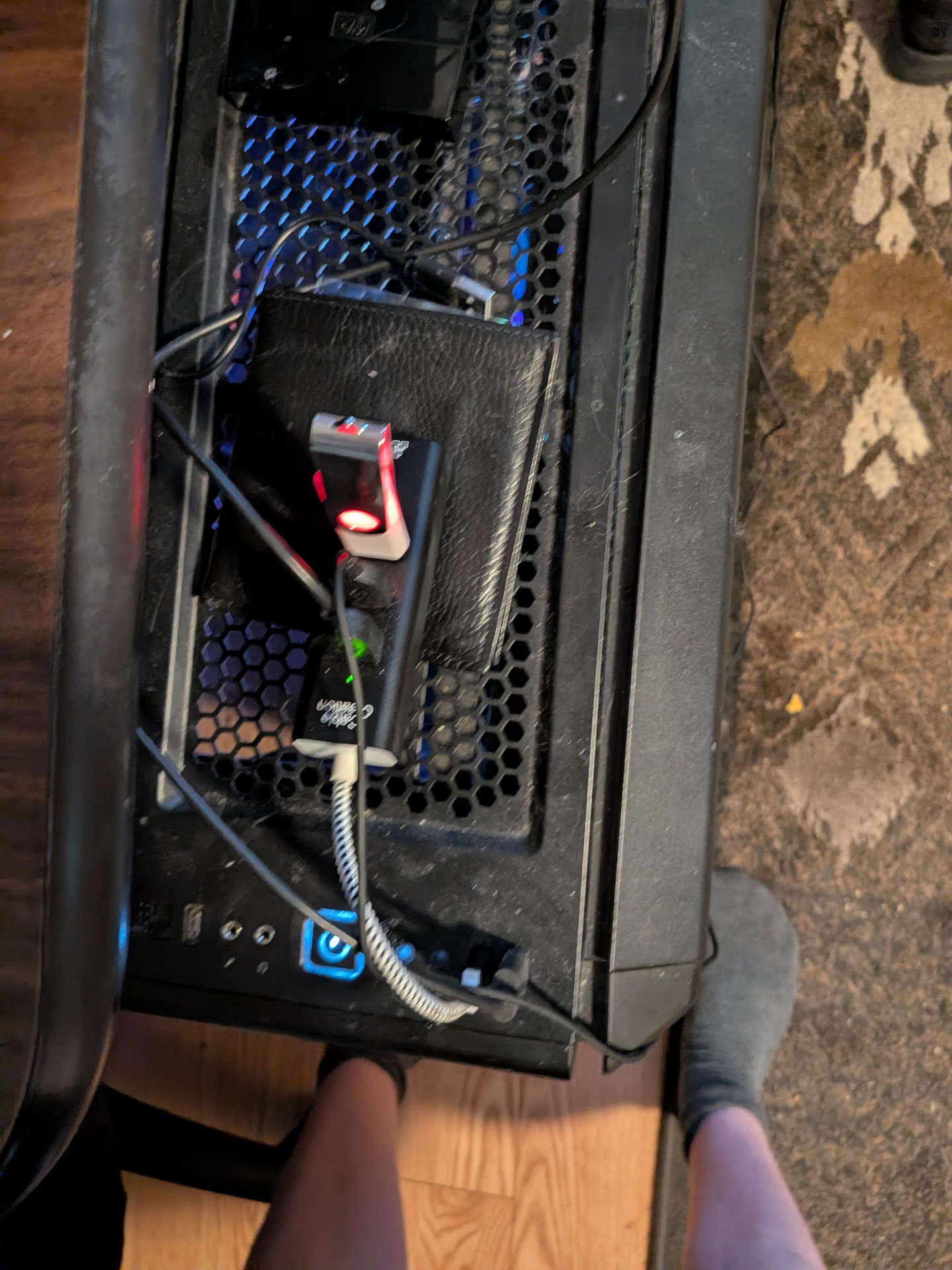
I don't think that will work as you have it plugged in the USB hub
At the end of the day you have to be able to boot from that USB thumb drive
Hugz & xXx
@MelissaBearTrix that's the red and black one on the back.
Replying to @MelissaBearTrix@gives.hugz.online
The next thing is to go into the bios and see if you can boot from that drive,
Hugz & xXx
https://linuxmint-installation-guide.readthedocs.io/en/latest/boot.html
@MelissaBearTrix I already got past that point I already said that. That's why I'm asking. If I didn't get that far I wouldn't be trying to get the wifi set up.
1. So you have downloaded Linux ?
2. Have you tried booting from the USB drive ?
Hugz & xXx
@MelissaBearTrix I'M ALREADY FUCKING THERE I JUST NEED TO GET IT CONNECTED TO THE WIFI
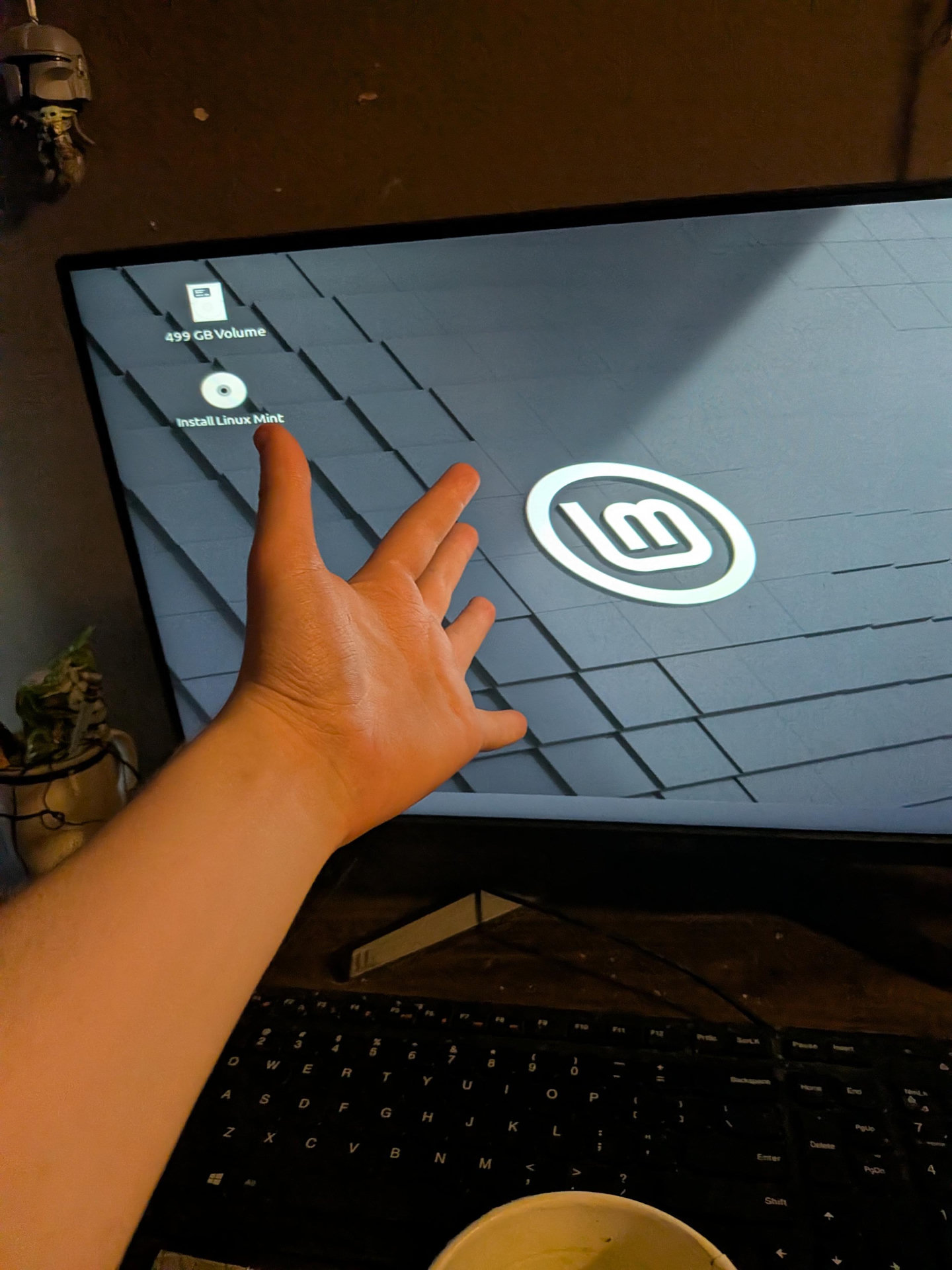

Could you try running this command in a terminal, and whilst it is running, pull out the usb wifi and put it back in a couple times:
watch -n 1 lsusb
Replying to @Axolotl1@gaygeek.social
@shaknais also I don't even know what usb wifi even is
Replying to @shaknais@mastodon.social
One more thing we could try, just in case...
This sort of kicks the kernel to make it restart network things, just in case:
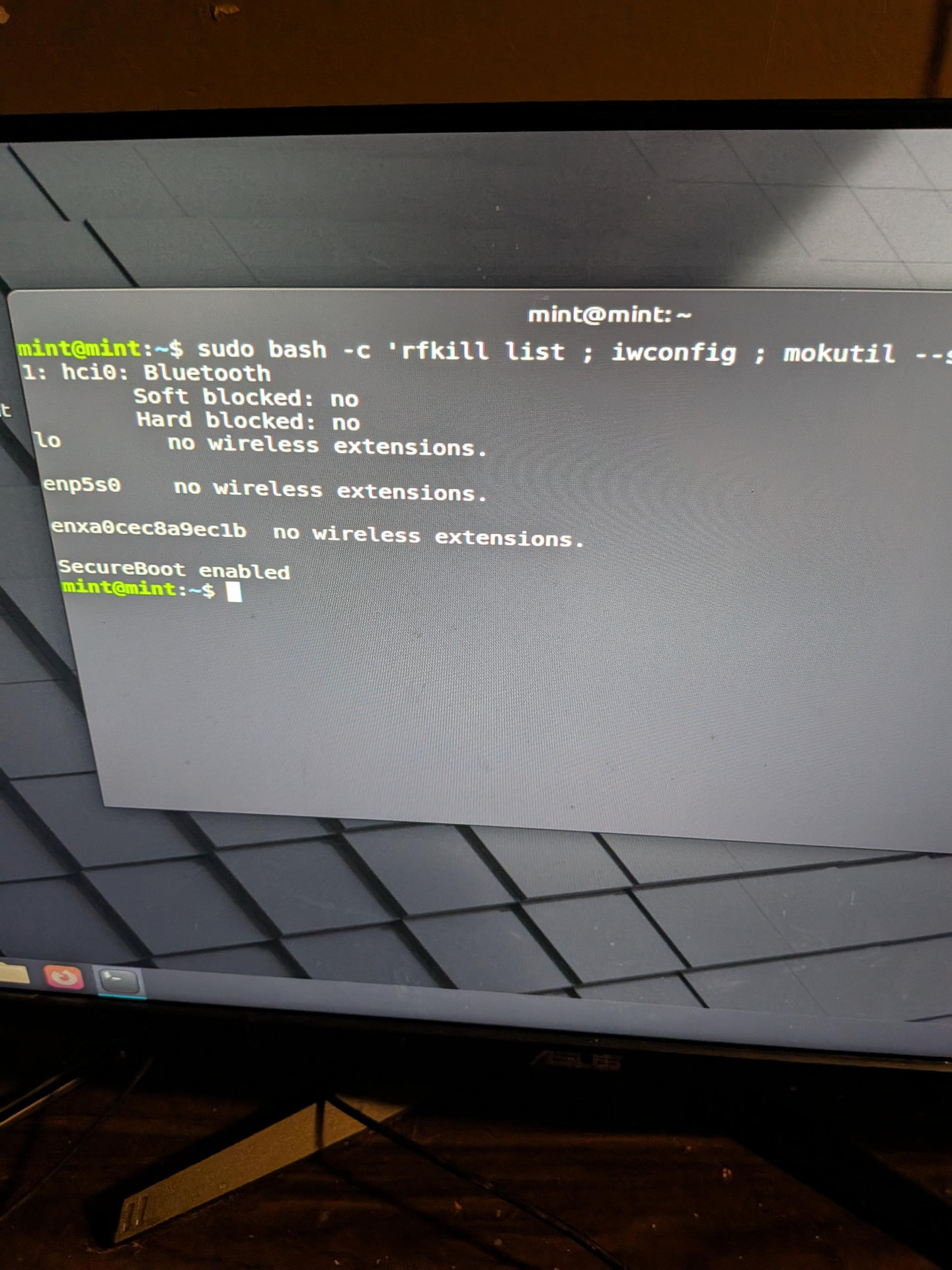
sudo bash -c 'rfkill list ; iwconfig ; mokutil --sb-state'
@shaknais what do I do with the information it just gave me
Did it show up as a WiFi device? Or did it call itself a hub?
@shaknais hub. That's all I'm seeing
Well, I can tell you what's wrong. Not necessarily how to fix it.
You need a driver to use this WiFi.
Which probably means working out the model of the wifi, finding the driver, downloading it somehow, and then installing it.
@shaknais FUCK
@shaknais I don't even know what to put for alt text I am so confused
Replying to @Axolotl1@gaygeek.social
Yup. No driver, I'm afraid. It'll be one of the odd Realtek ones.
Replying to @MelissaBearTrix@gives.hugz.online
@MelissaBearTrix @shaknais giving up for tonight. If I keep going I'll go insane.

Replying to @shaknais@mastodon.social
@shaknais@mastodon.social @Axolotl1@gaygeek.social I'd try using a more cutting-edge distro, if you know what I mean? I have a tp-link usb wifi dongle that requires kernel 6.14<, pretty sure Mint doesn't have that yet