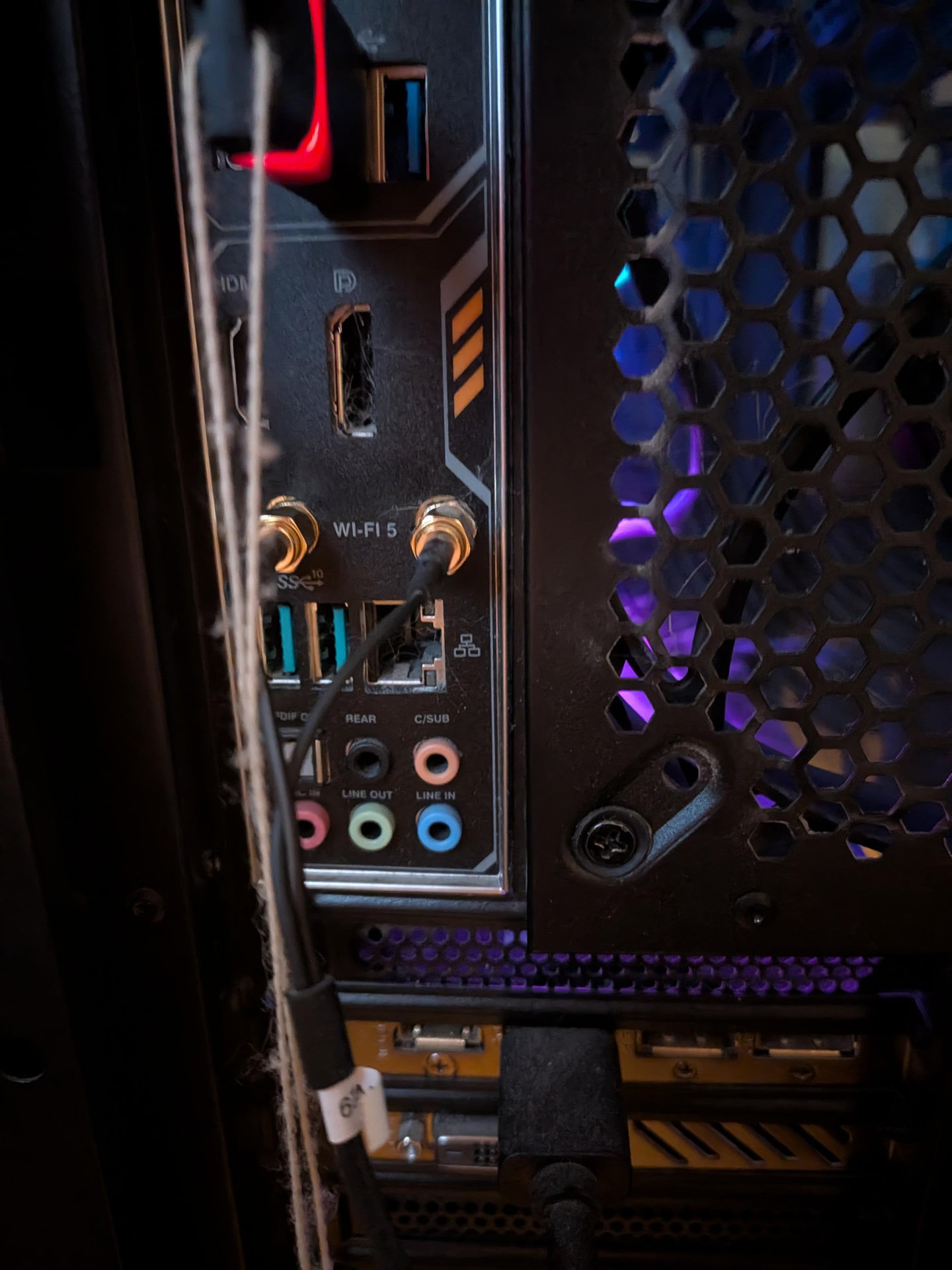
GUYS HELP HOW DO I CONNECT A LINUX COMPUTER TO MY FUCKING WIFI I DON'T UNDERSTAND A DAMN THING ABOUT IT
edit: I'm using mint.
GUYS HELP HOW DO I CONNECT A LINUX COMPUTER TO MY FUCKING WIFI I DON'T UNDERSTAND A DAMN THING ABOUT IT
edit: I'm using mint.
Ugh, read through the replies and everyone thinks they have the solution. The short answer is: it depends. Different Linux distros use different methods/tools.
So the first question to be asked is: what Linux distribution are you using?
@c64whiz I'm using mint
Awesome. Now, I don't have experience with Mint but that's Ok.
Next question, are you using the Graphical User Interface (GUI) or are you a Command Line Interface (CLI) person? (Sorry if I'm talking too simple, I just don't know you're experience/skill level.)
@c64whiz I'm using the graphical interface but if necessary I am willing to mess around with the command line. Also you're fine I literally have no idea what I'm doing. If I did we probably wouldn't be here.
Not to worry. Based on your answer I'm going to guess you're using the default GUI - Cinnamon.
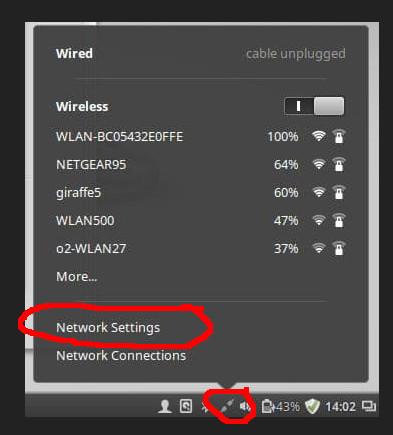
From what I'm seeing online (search), on your desktop environment you should have a "Network Icon" icon on your task bar. Clicking on it should pop up a menu to select "Network Settings".
Is this true and does it work to bring up a dialog with a "Wi-fi" tab?
Replying to @c64whiz@oldbytes.space
Probably looks something like this...
@c64whiz uh
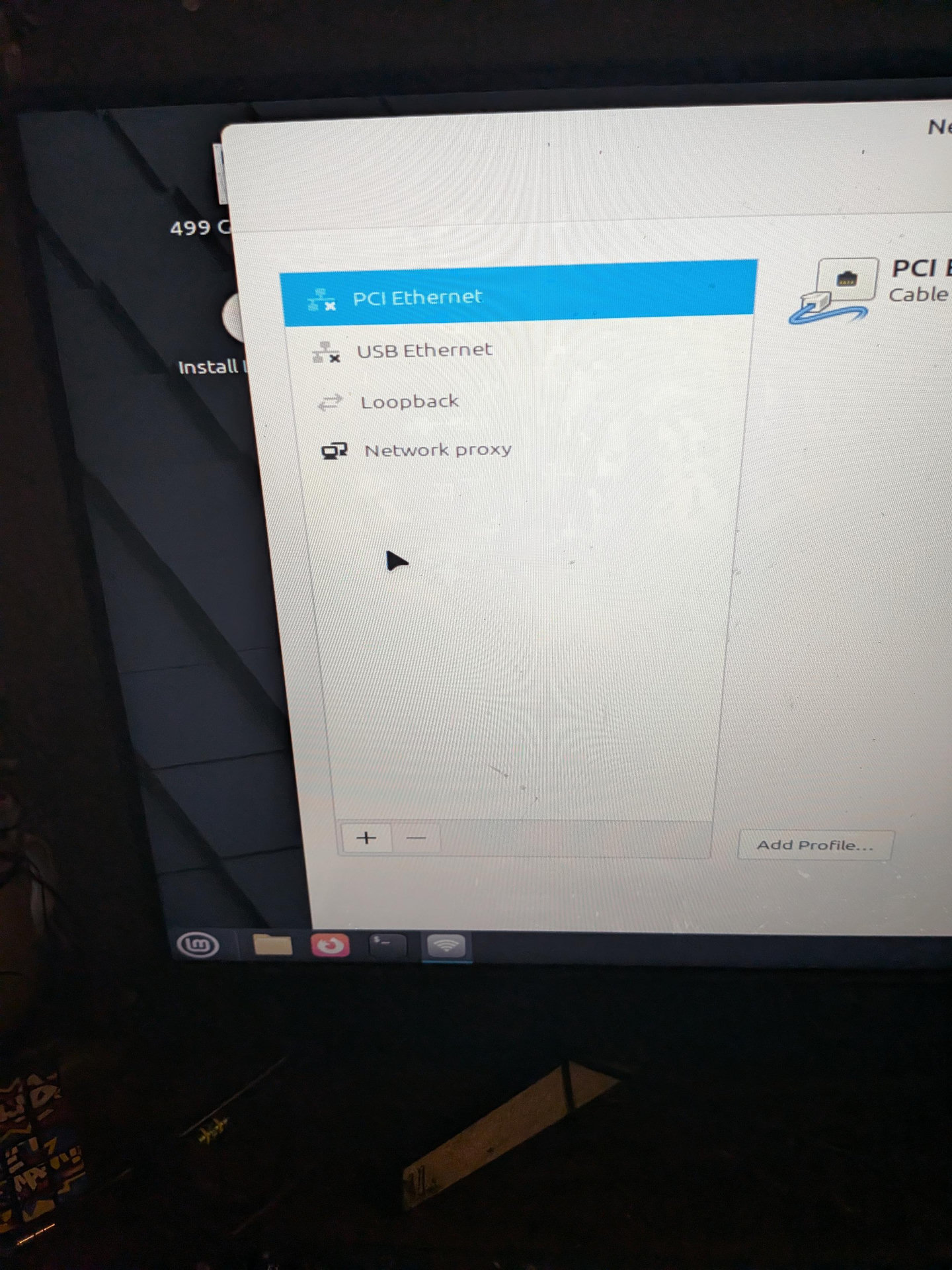
Well a little good news...you're not going crazy, obviously there's not wifi showing up.
Since I'm not real familiar with Mint's GUI, what do you get if you click the '+'?
@c64whiz an add vpn dialogue
Replying to @Axolotl1@gaygeek.social
@c64whiz the closest I got I think was going to network connections and adding a connection there but I didn't understand a thing
Ok, lets go there. Go back to the "network Connections" icon on the task tray and select "Network Connections" instead.
(I'm a little concerned Mint is not seeing your WiFi adapter. The HW network interface for Wifi.)
@c64whiz I have a little antenna for a better Internet connection if that counts as a wifi adapter. My pc isn't directly plugged into anything other than that.
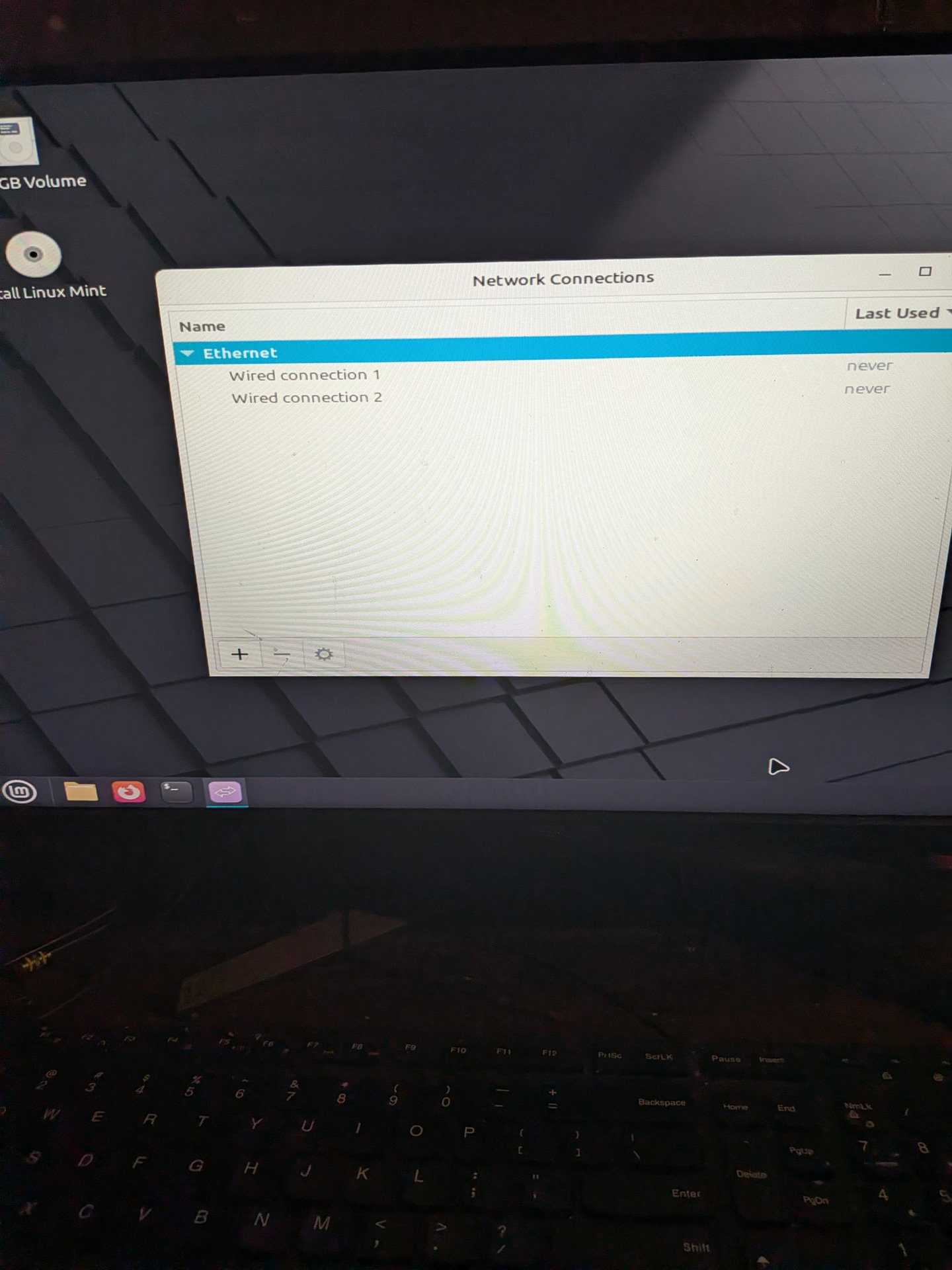
Ok, Click the '+' from there and you'll probably start a wizard where the first question is the type of network adapter. See if "WiFi" is on the list.
@c64whiz it is
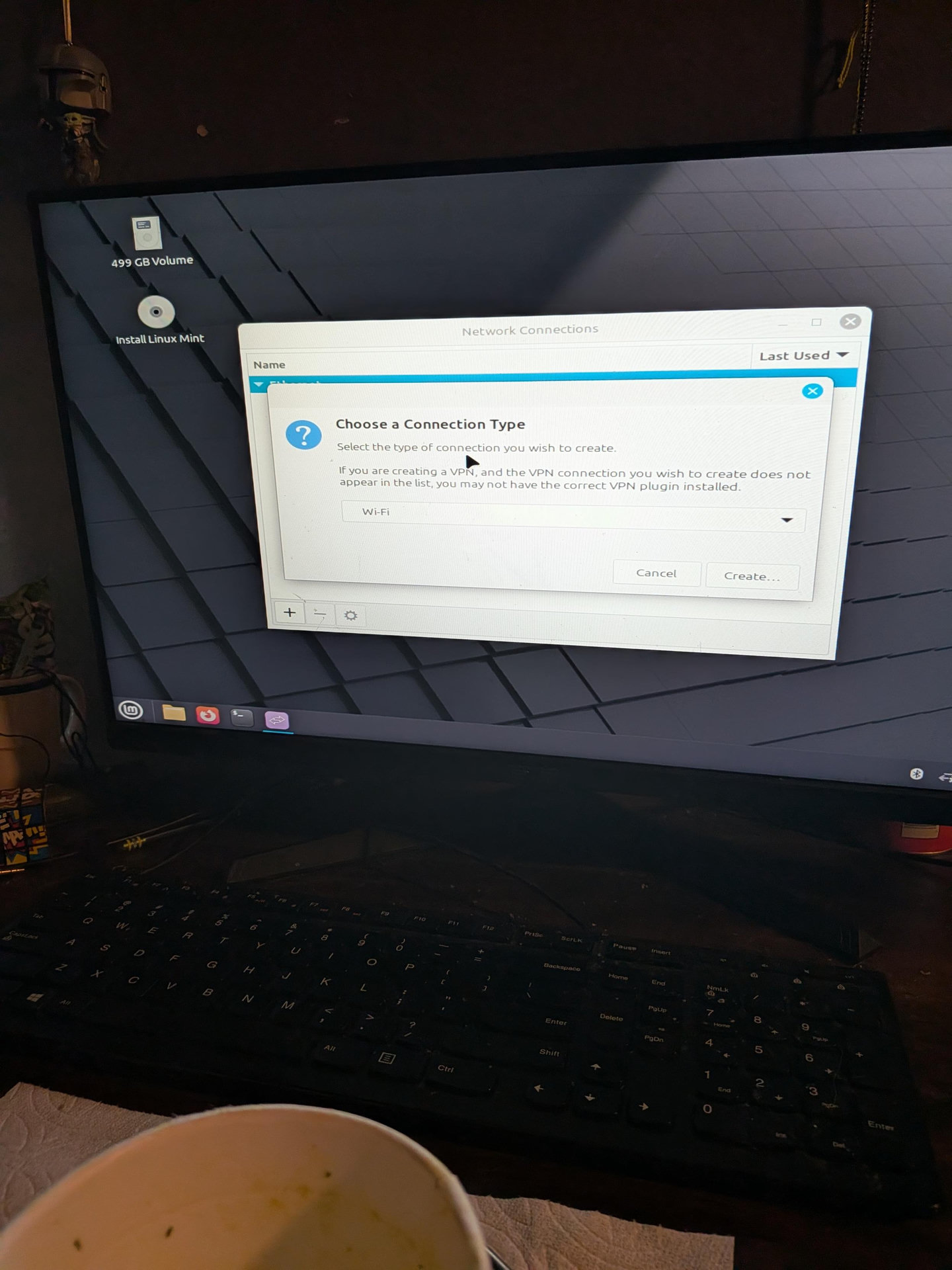
Ok, this will allow us to create the connection, but I'm still not convinced Mint is detecting your HW.
So let's continue...oh, and by the way, since this is a "Live Boot", you'll need to do this every time you boot.
Alright, so you should be able to
Finally you should be able to click on the "Save" button.
Replying to @c64whiz@oldbytes.space
Small video, probably not necessary but in case you want...
(sorry, attached wrong video at first...)
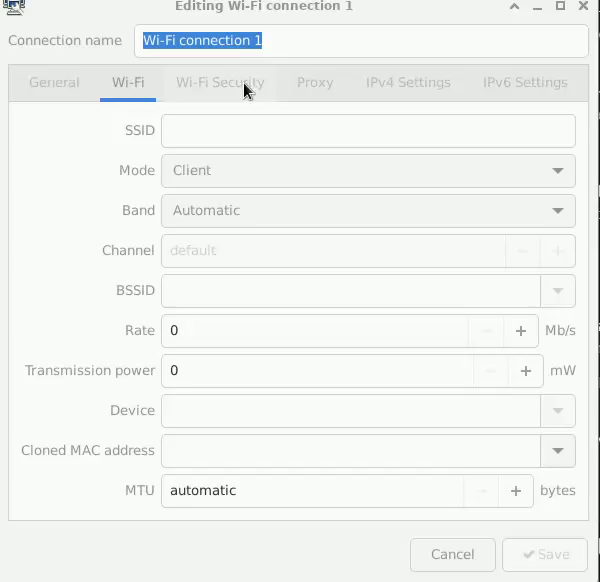
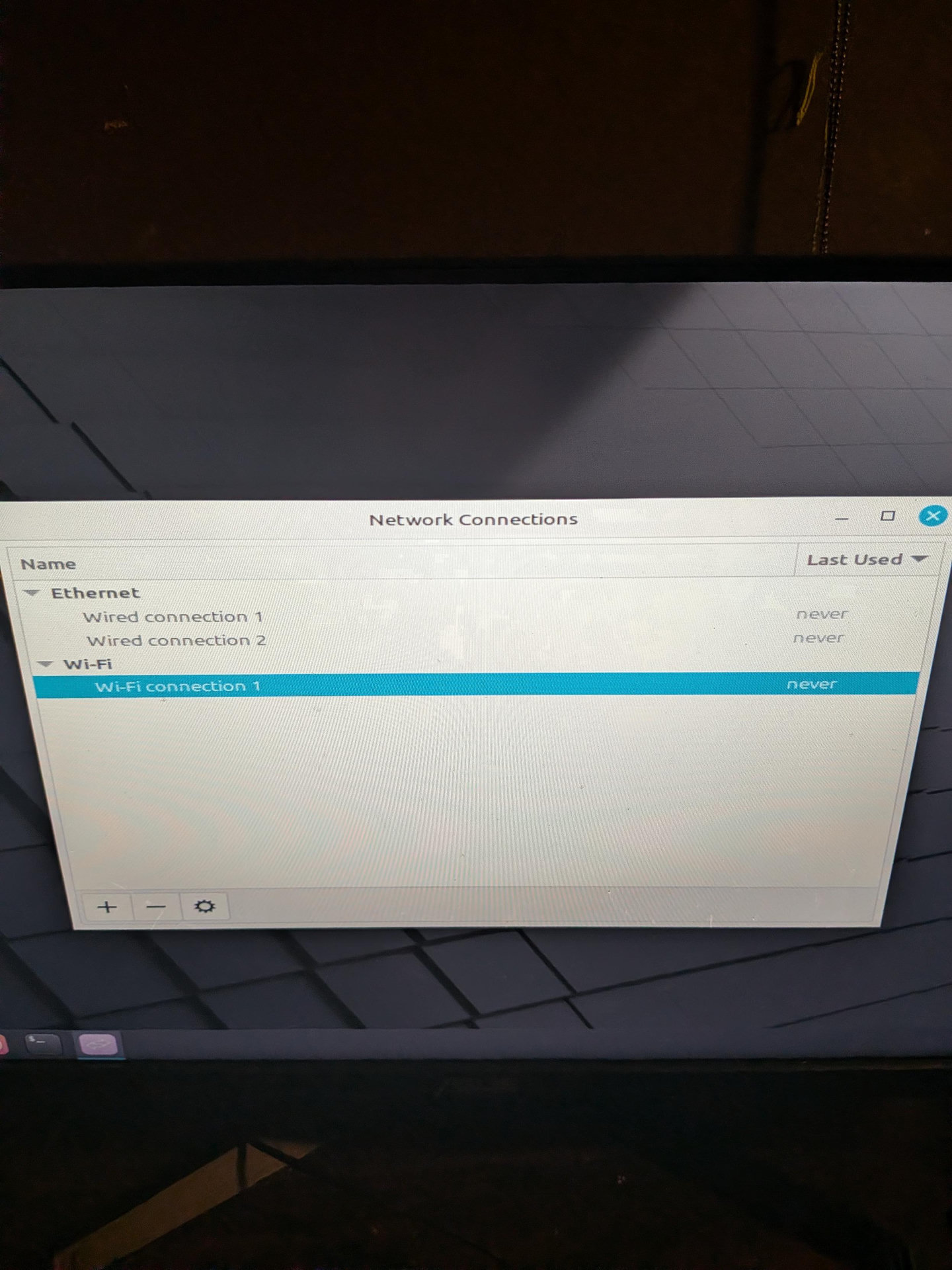
@c64whiz okay so I made the connection so now what?
Replying to @c64whiz@oldbytes.space
To be fair, you may just not have a Wifi network adapter in that computer. In which case, I don't know what that little antenna you spoke of is about.
Close the dialog and left -click on the network icon on the task bar again. Are there any WiFi-anything showing up?
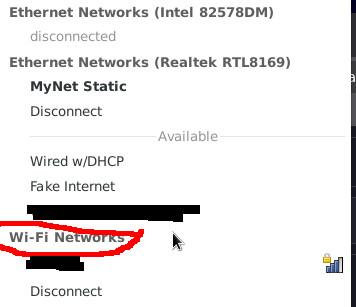
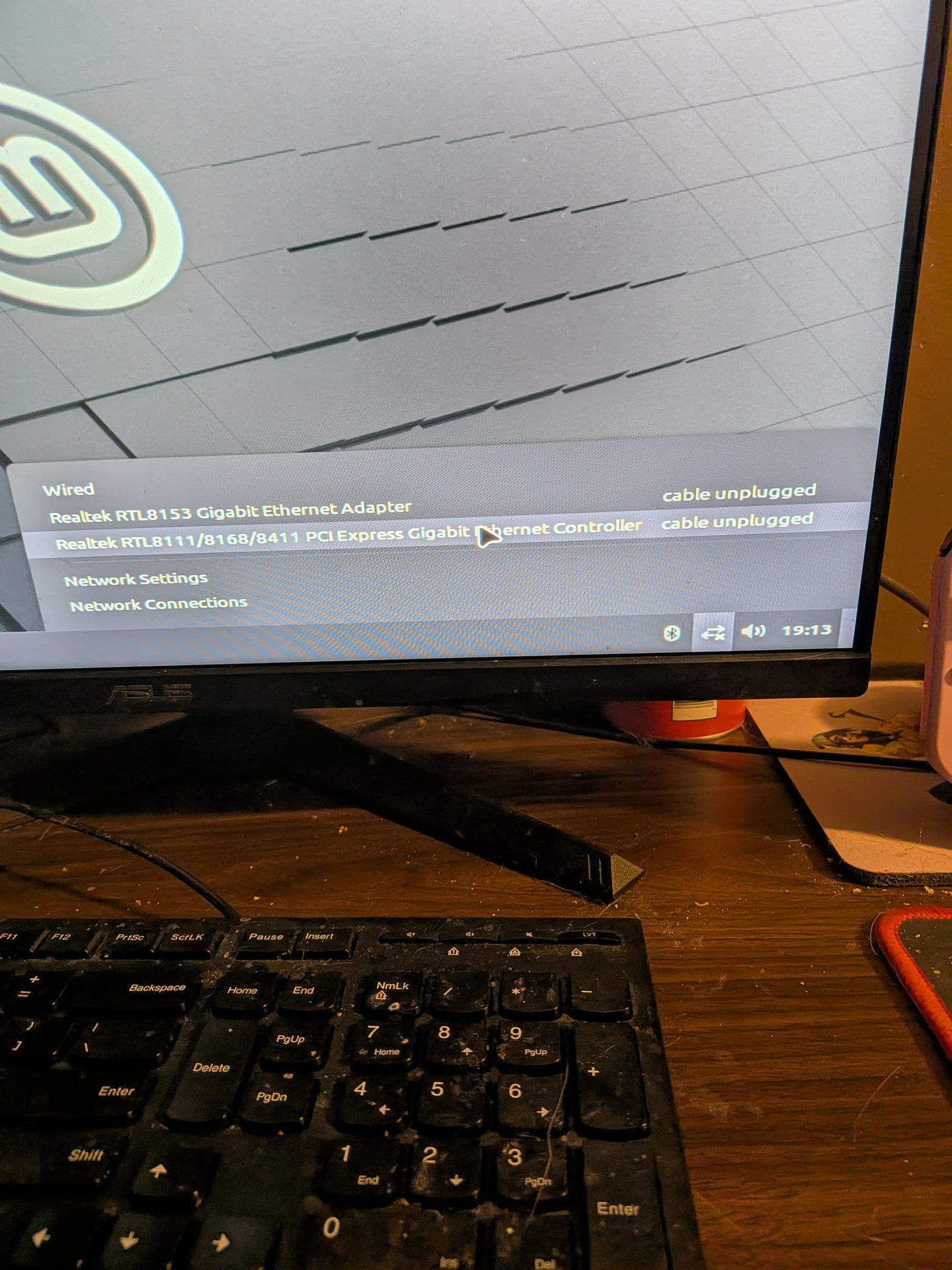
Ok, thank you for that. It doesn't seem Mint is picking up your Wifi hardware.
If you'd like, here is a video showing how to take a look via the command line. Open a terminal and then type the same commands.
These commands look at the PCI bus (lspci) and USB device (lsusb) while searching for a couple of terms I've seen before. I leave off the first letter of the terms because sometimes the descriptions use capital and sometime they don't. (You can add the -i switch to grep if you want to perform a case-INsensitive filter and use the entire word 'wireless' and 'network')
In the video, you'll see I have a USB wireless adapter. All the others are Ethernet (wired).
Command synopsis:
$ lspci | grep etwork
$ lspci | grep ireless
$ lsusb | grep etwork
$ lsusb | grep ireless
@c64whiz I don't understand any of the stuff showing up from the first one
@c64whiz faster connection. It's for a faster connection. should work fine without it but I got it in there when setting up this pc.